Evidence Clerk
Checks whether a claim is supported and preserves the source trail.
Orbi / the agent platform
Give each agent a useful role. Work with it in a conversation that stays put. Equip it for the job, then come back as the work develops.
Channels & continuity
Orbi is built on the OpenBot co-worker platform. A standing role gives an agent its purpose. Its conversation keeps the context in one place.
Shared channels across accounts are being explored; they are not a current Orbi360 collaboration promise.
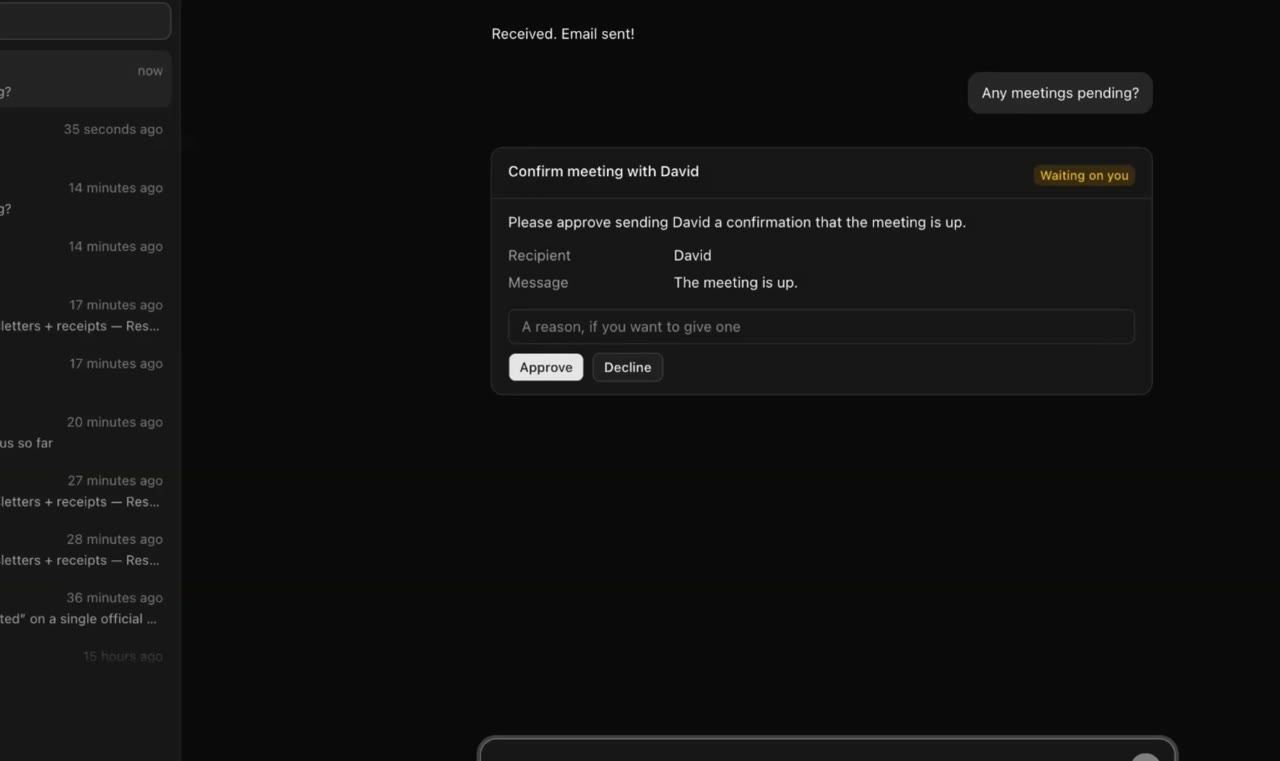
Computer workspaces
Some tasks need more than text. A computer you configure for the agent gives it a browser, files and production tools, so the job can end in a real file.
Documents, analysis and video each need the right tools, and a person to review the result.
See the proposed workflowsConfiguration required Optional. Actions on that computer have their own rules and their own record, separate from the Orbi360 gateway.
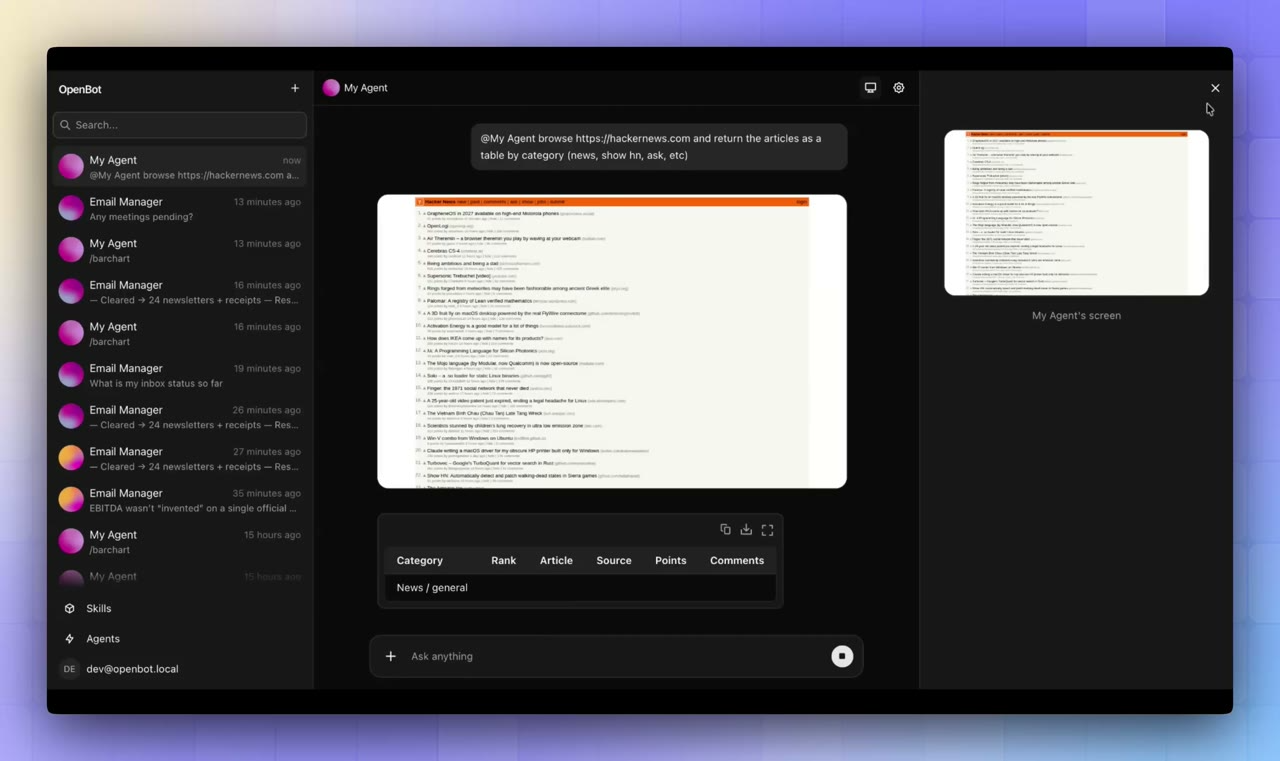
Specialists with a purpose
The library gives each agent a decision to own and a result to hand you. Turn on only the roles that earn a place in the way you work.
Checks whether a claim is supported and preserves the source trail.
Turns an approved blueprint into a document you can review and edit.
Compares what was agreed with the evidence of progress.
Your organisation / a consistent standard
A reusable role becomes useful through your brand, your templates, your standards for sources, and the tools you approve. Each person keeps their own limit on access.
What you set up
Brand settings live in the skills and assets on the deployment, not only in the look of the console. Updating a skill does not turn a tool on.
Same role / different permitted context
Illustrative Today each person is set up on their own. Keeping later changes to instructions in sync across the team is still a development direction.
The OpenBot runtime holds the role and the conversation. A computer you configure gives the agent files, a browser and a shell.
It decides what may be read, what each person and client may receive, which memory has been reviewed, and it keeps a receipt for each release. Computer actions need their own rules and their own record.
One organisation for each gateway. Check who can open a conversation, a browser session and a file, especially before you turn on a personal agent.
Make it useful
Choose a standing role, the permitted sources and a result worth reviewing.