Co-worker runtime
Roles, conversations and computers you configure, built on OpenBot. An agent’s instructions and skills do not, by themselves, turn a tool on.
Service & technical breakdown
How the product is put together, what a deployment has to include, and where authority sits.
Three responsibilities
Orbi is the application that does the work. Orbi360 decides what context it may see. Plus chooses what is relevant inside that limit.
Roles, conversations and computers you configure, built on OpenBot. An agent’s instructions and skills do not, by themselves, turn a tool on.
Reads you have reviewed, a separate credential for each client, a ceiling for each person, limits on which fields leave, memory an owner has approved, and a receipt for each release.
One model you configure, on a Chat Completions endpoint, picks from records that are already allowed, or holds the request. Ordinary software checks the permission again before anything is released.
External assistants connect with their own bearer credentials. MCP is the protocol they use to call tools. Administration uses the owner API. Those are different authorities. Sign-in from an inbound client with OAuth is not implemented. Connecting an upstream service with OAuth is a separate flow.
Plus can use a model endpoint you configure, if it speaks the same API. A small model that stays inside the gateway is a direction to test. It is not a claim that every installation already runs one.
Execution profiles
Reading context, producing files on a computer, and writing to an outside system are separate. Set each one up, and check it, on purpose.
| Capability | Where it belongs | What to verify |
|---|---|---|
| Governed service reads | Orbi360 gateway | Actions you have reviewed, what each client may do, the person’s ceiling, which fields may leave, and the limits on a release. |
| Document, image or video production | Configured Orbi computer workspace | Tools and fonts installed in advance, storage, resource limits, the network rules, and a record of the job. |
| Publishing, filing or submission | Separately administered action path | The exact destination, who is allowed to take the action, and a person to review it. This is not a read-only tool on the gateway. |
| Scheduled routines | Active routines worker | The permissions of the person who created it, the timezone, where the result goes, what happens if a window is missed, and how a failure is reported. |
| Passing work to another agent | An explicit permission to hand work across | The receiving conversation, which sources it may read, which files it may pass on, and how many hops are allowed. |
Agents that produce files on a computer need a deployment that includes the agent computer. The basic one-container profile in the library does not include the computer, the supervisor or the routines worker. A container is not automatically a dedicated virtual machine, or a complete boundary around one organisation’s data.
Cutroom uses fframes for programmed motion and composition, and FFmpeg, installed separately, to edit footage. Pin the tools, codecs and fonts when the image is built. Test the CPU or GPU profile you intend to offer before you treat video as available.
One gateway instance serves one organisation. Check each person’s access to sources, which conversations they belong to, browser sessions, and where files are stored. That matters most for personal agents. In the supplied configuration, Google Drive is a source you can read. Filing a result somewhere else needs a separate permission.
Brand, motion, claims and working methods for your organisation belong in versioned skills on the deployment. Master files and licensed assets sit on a volume that can only be read. Output goes somewhere else, which can be written. The console’s theme does not control generated media.
The supplied package uses public agents with no owner, and they cannot be edited inside the product. Changing a package is a deployment change. A person can own a Bot and give it personal skills, but a preference cannot override a rule of the organisation. Keeping instructions in sync across a team, continuously, is still a development direction.
A gateway receipt records that a release happened, not the file itself. It does not automatically record what a computer did directly, every file produced, or a write to an outside system. Keep a separate record of the job: the sources you authorised, the skill and brand versions, where the output went, what was checked, and whether a person approved it.
A suggestion for memory stays a suggestion until an owner reviews it. A prompt, a skill or a model reply cannot raise a permission. Pause applies to the next check at the gateway. It cannot pull back data already sent, or stop a computer action that runs on its own.
Status / October 2026
What is built, what you still have to configure, and what is only proposed are different. That difference stays visible.
Reviewed actions that only read, permissions for each client, ceilings on access, review of memory, receipts and pause. Plus selects inside those permissions. Links you configure provision co-workers into Orbi accounts that already exist.
Producing files, using a browser and running media tools need an Orbi runtime set up for that work. Agents that need a computer need more than the basic one-container profile described in the library.
The roles, the skills, the tools they are meant to use, and the checks for a good result are defined. Each agent you select still needs packaging, a check that the connection really works, a deployment, and a test of the outcome. A set of agents does not run itself.
Look back at work done under the gateway, propose a procedure that could be reused, and wait for an owner to review it. A procedure would stay inside permissions that already exist. This is not built into the 0.4.0 gateway.
Working together across accounts, keeping instructions updated continuously, and coordinating shared work are being explored. Who belongs, and which sources they may use, has to be enforced explicitly.
What the gateway publishes today is read-only. Filing, updates, publishing and submission need an action path and a record that are administered separately. A draft is not permission to send.
Before you start
The library of 23 agents is a combined design proposal, not a tested catalogue of packages. It helps you choose and scope a deployment. What the gateway can do today, and how people are provisioned, is described separately above.
No. You can try the gateway with an assistant you already use, if it can connect as an MCP client (the protocol assistants use to call tools). The current gateway uses a bearer credential for that client. Sign-in from the client with OAuth is not implemented. Whether the product and the sign-in will work together has to be checked.
The proposed agents use a computer you configure. House Press uses document tools. Cutroom uses fframes for programmed motion and composition, and FFmpeg, set up separately, to edit footage. The tools, fonts, codecs and resource limits have to be tested. A virtual machine on its own does not supply them.
Yes, through what you set up on the deployment: versioned skills, templates, brand assets that can only be read, and the exact tools you turn on. A personal preference cannot override a rule of the organisation. Updating a packaged agent is a deployment change, not an unrestricted edit in the chat.
No. Receipts cover calls to the gateway and the fact of a release, not the file itself. What a computer does directly, the checks on a production file, and writes you enable separately, need their own job record and their own audit.
Routines are suggestions for setup, not schedules that already ship. They need a worker that is running, the permissions of the person who created them, a confirmed timezone, and a tested way to handle a missed window or a failure.
The first outcome, who people are and what they may use, the connections, what hosting and the model will cost, the licences, and who approves. Separate organisations use separate gateway instances. No price, service level or delivery date is committed here.
Product evidence
Screenshots from a configured Orbi instance, shown in the sections they illustrate across this site.
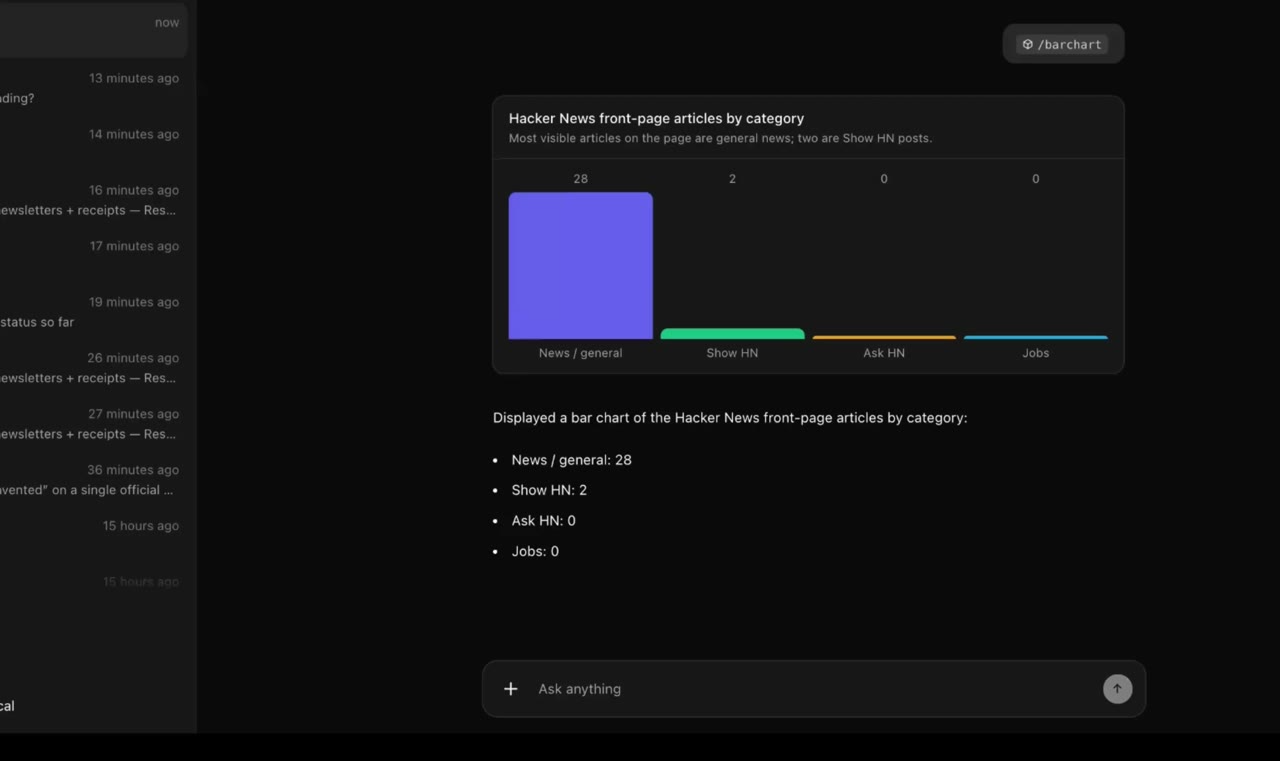
The full design notes and the product detail stay available to read.